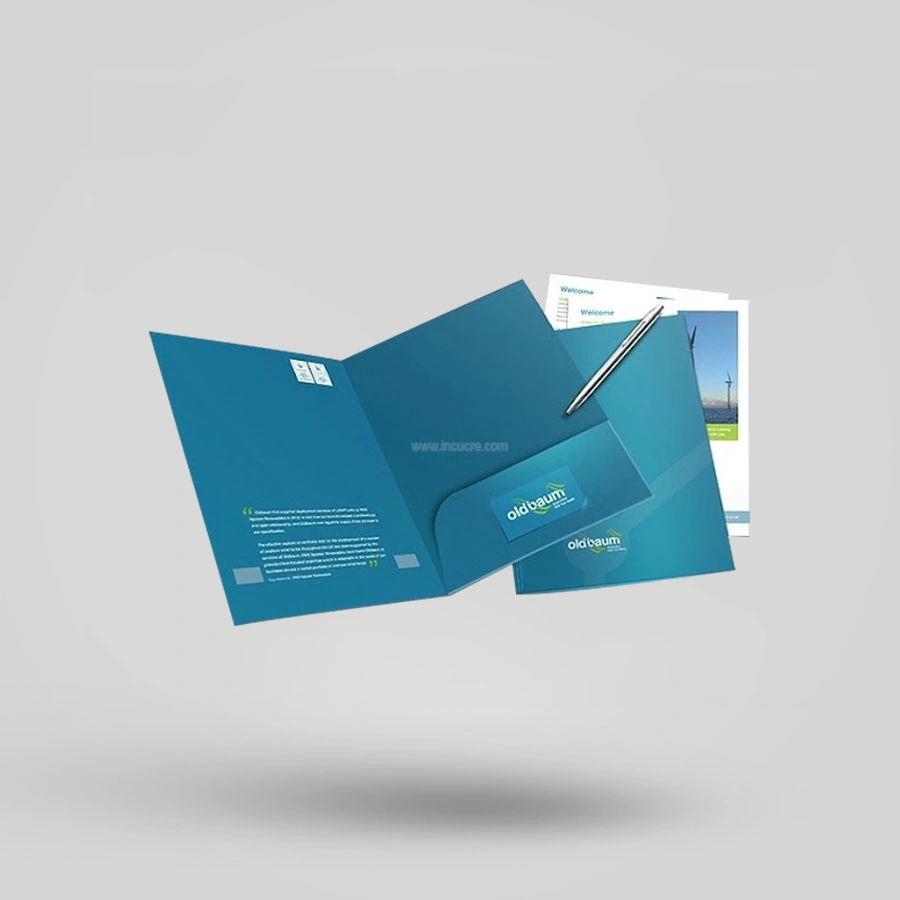

Description
Custom Folders | Presentation & Pocket Folders
Start With the Way You Will Use the Folder
A good folder makes it easier to organize and present documents. So, begin by thinking about how people will use it.
A sales team may need folders for proposals and brochures. An accountant may need a clear system for tax documents. A school or training provider may need certificate folders. Meanwhile, an office may need folders for everyday filing tasks.
Consider your documents before picking a design. Consider their size, how many there are, and how thick they are. Decide if the folder needs to hold business cards, booklets, discs, or loose sheets.
These details will help you pick the right folder structure.
Make Presentations Feel More Professional
Client meetings often involve several printed items. These may include proposals, price lists, contracts, brochures, or product sheets.
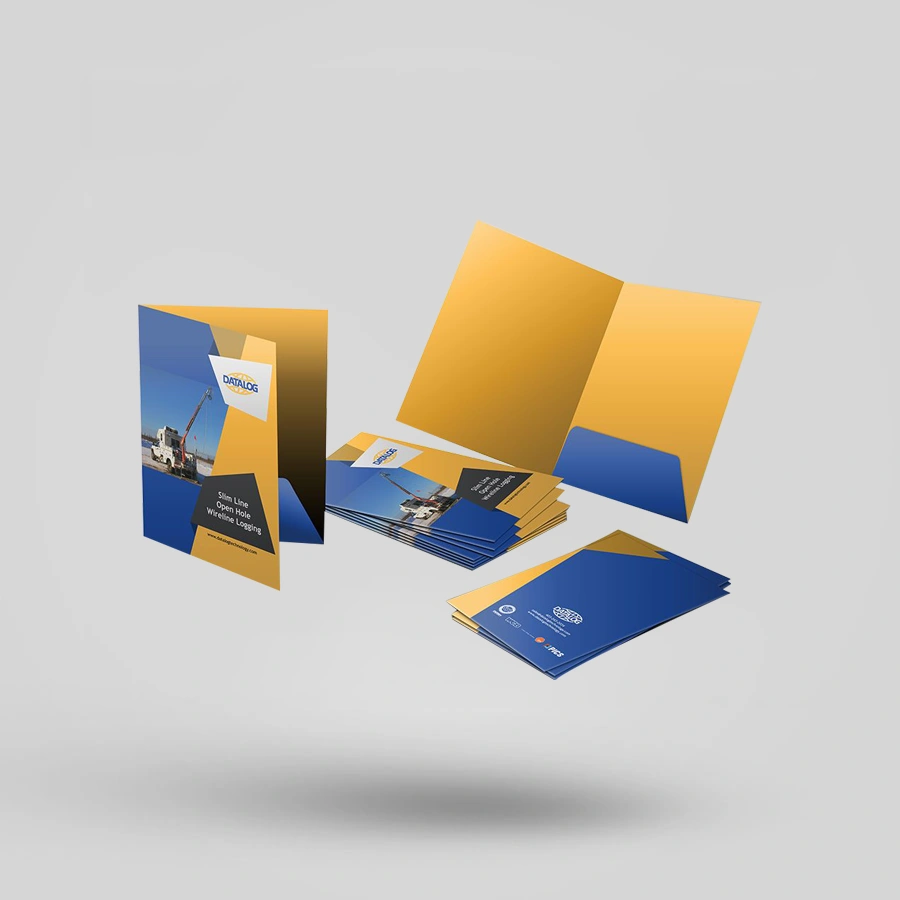
Custom presentation folders keep all your materials in one place. They also put your branding front and center during presentations: your logo and main message. Keep the inside organized and easy to scan. A simple layout often feels more professional than a crowded design.
Custom business folders may suit sales meetings, onboarding documents, media kits, and company information packs.
Before you order, try putting your actual documents in a sample folder. This helps you see if everything fits and looks right.
Choose the Right Pocket Layout
Pockets help keep loose documents in place. The best pocket layout depends on what you need the folder to hold.
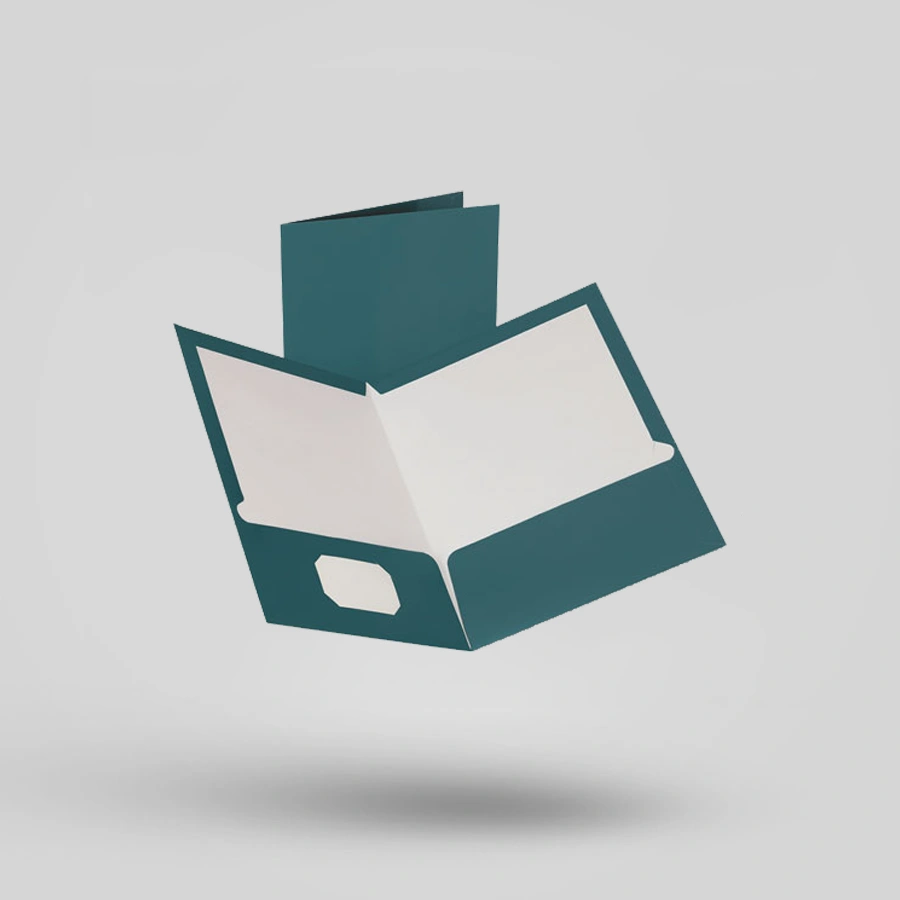
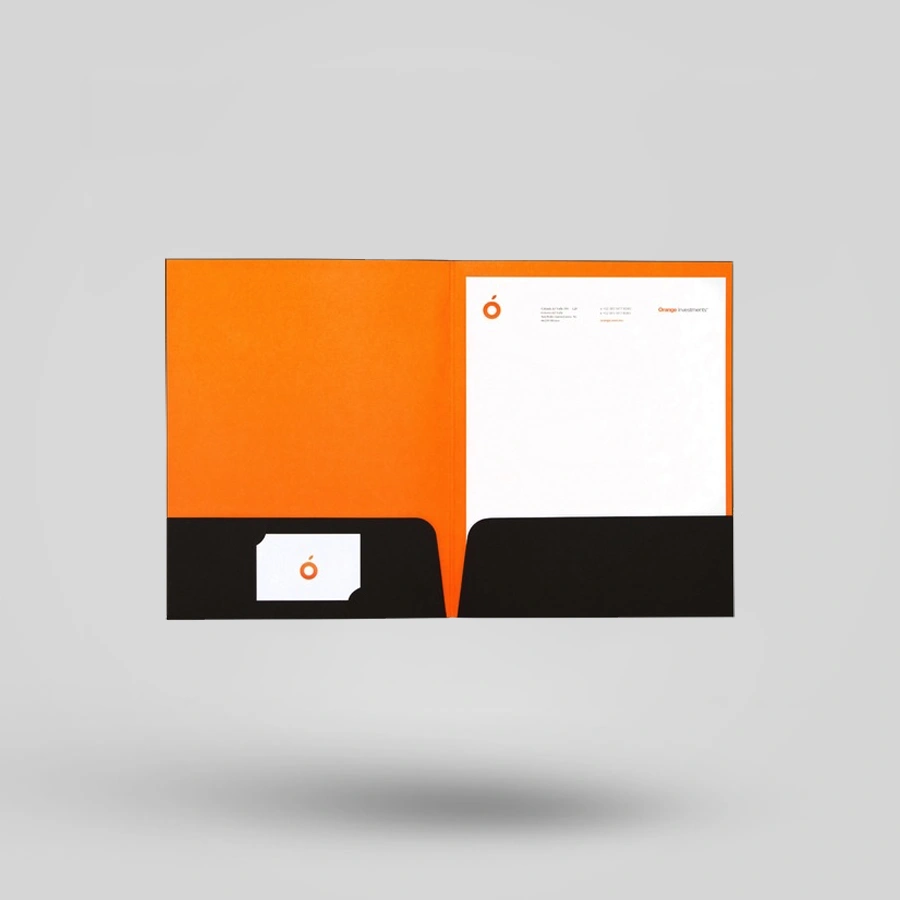
Folders with two pockets can separate documents into two groups. For example, one pocket can hold company information and the other can hold forms or pricing.
Business folders with pockets can support proposals, training materials, reports, and conference documents.
You might also want slots for business cards or small inserts. Decide where these should go before you approve the artwork.
Only add pockets if they are useful. Every feature should make the folder easier to use.
Present Certificates With Care
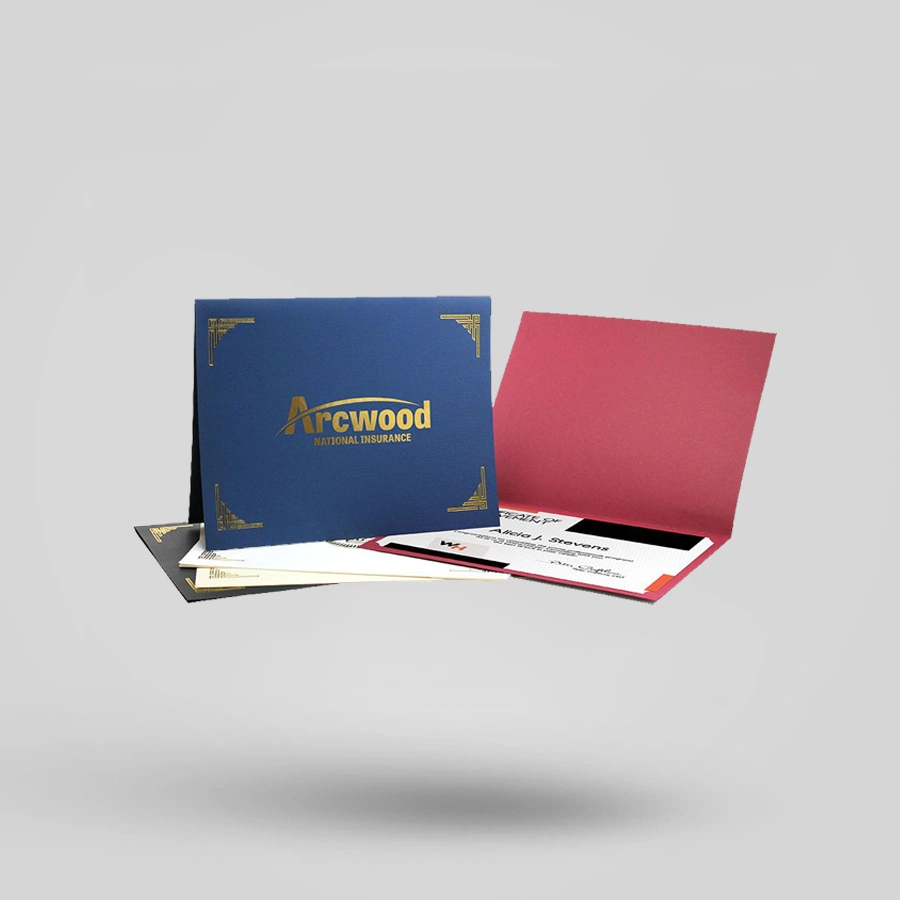
Certificates often celebrate an important achievement. The folder should protect the document and make it look special when it is presented.
Custom certificate folders can suit schools, universities, training providers, professional organizations, and award events.
Measure the finished certificate before picking a folder size. Be sure to include any borders or decorative frames in your measurement.
Think about how the certificate will stay in place. Corner slots or inside panels can help, depending on the folder design.
Keep the cover design formal and easy to recognize. Often, just a logo, institution name, or event title is enough.
Organize Tax and Financial Documents
Tax folders can provide space for branding, contact details, filing information, and client documents.
Plan what you print on the folder carefully. Make sure names, phone numbers, web addresses, and office details are easy to read.
Also think about how much the folder needs to hold. A folder for just a few forms may need a different design than one for a full year’s records.
Do not include sensitive client information in the standard folder design. Only add general business and filing details.
Create a Clear Office Filing System
Businesses use folders to store employee records, project documents, contracts, invoices, and internal reports.
File folders help keep a consistent filing system across departments. Printed labels, color coding, and clear headings make documents easier to find.
Before you order, check how your staff will store the folders. Some folders may go in drawers, cabinets, shelves, or document boxes.
Make sure the folder size and tab position fit your current storage system. Even a great design is not useful if it does not work with your filing process.
Keep Digital and Printed Materials Together
Some presentations, training packs, and media kits include discs along with printed documents.
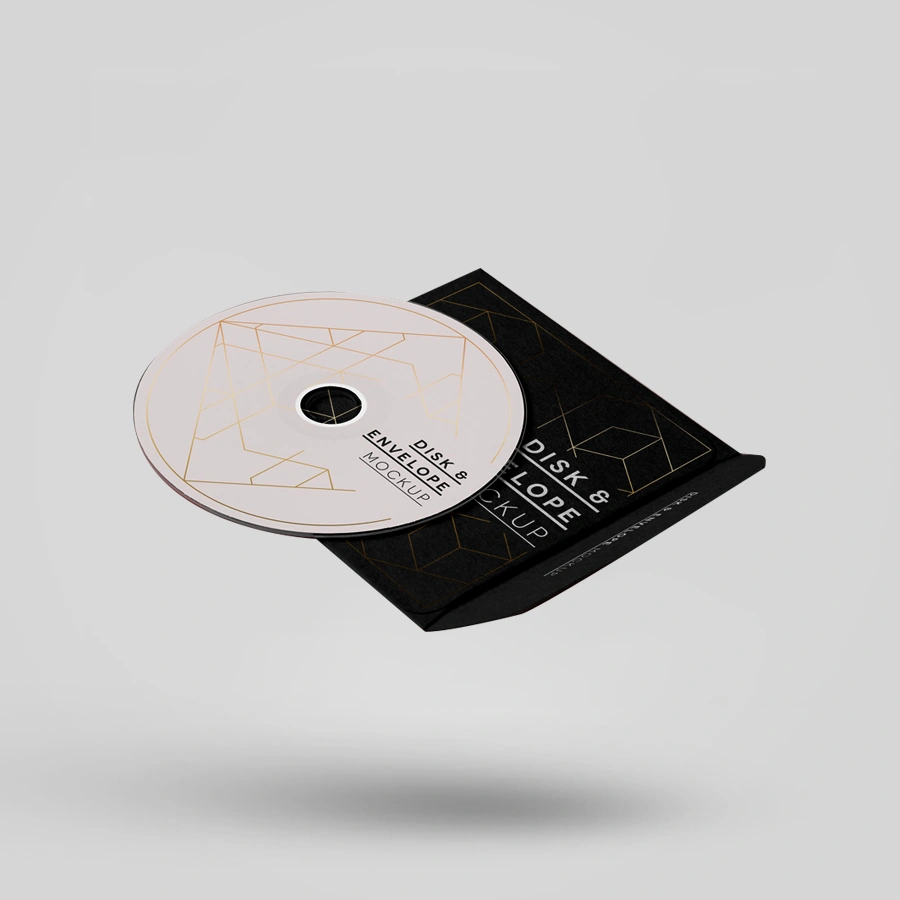
Disc folders keep the disc and supporting materials together. They work well for software, training content, photography, music, or archived project files.
Decide where the disc will go before you finalize the folder layout. It should stay secure without making the folder hard to close.
Also, think about the printed documents that will accompany the disc. The folder should have enough space for everything.
Select the Correct Size and Capacity
Standard document sizes are a good starting point, but you should measure your actual materials before production.
- Document length and width
- Number of pages
- Paper thickness
- Brochures or booklets
- Business cards
- Discs or digital media
- Inserts and forms
- Required pocket depth
If a folder is too tight, it can bend your documents. If it is too big, the documents may move around or look messy.
If you’re unsure about the folder capacity, please send sample documents. This helps the packaging team understand what you need.
Use Printing to Support Your Brand
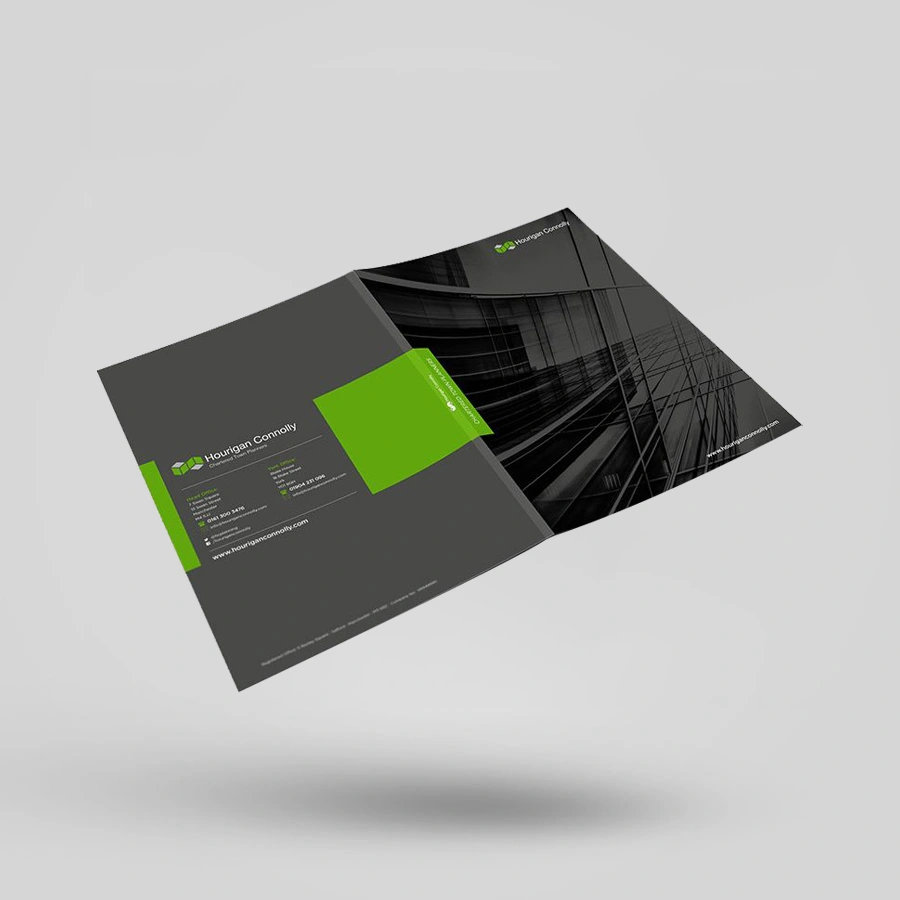
Keep the cover simple and focused. It should show your brand or purpose without being too busy.
You can put contact details, a website, or a short company message on the back cover. The inside panels can include instructions, service info, or subtle branding.
- Full-color printing
- One- or two-color printing
- Matte or gloss lamination
- Foil stamping
- Embossing or debossing
- Spot UV
- Business card slots
- Custom pockets
- Printed inside panels
- Custom shapes or cut-outs
Review the Folder Before Approving Production
- Confirm the finished document size.
- Check the folder dimensions.
- Review the number and position of pockets.
- Confirm business card or disc slots.
- Check the artwork at its printed size.
- Review the paper stock and finish.
- Place real documents inside a sample.
- Test how the folder opens and closes.
- Confirm the approved quantity and specifications.
- Keep the final proof for future reorders.
Why Choose Haul
Haul Packaging provides custom folders for presentations, certificates, tax documents, filing, business materials, and discs. The team will review your measurements, artwork, pocket needs, and finish preferences before giving you a quote.
Ask for written confirmation of the final size, material, pocket layout, printing surfaces, quantity, and finishes. When document fit matters, review a sample with the real materials inside.
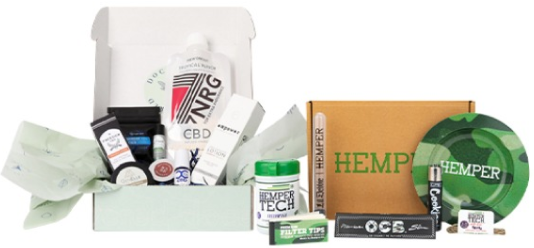
Why Us?
At Haul Packaging, we believe your packaging is more than just a box—it's a marketing tool, a brand ambassador, and a promise of quality, all rolled into one. Whether you're running a small e-commerce startup or an established retail brand, this guide will walk you through everything you need to know about finding the perfect custom packaging in the USA.
Premium Finishes
Haul Packaging provides a range of high-quality finishings, including as foil stamping, glossy or matte coatings, embossing, and soft-touch finishes, to improve the visual attractiveness of packaging. These finishes have the power to increase a product's perceived worth and make it stand out on retail shelves.
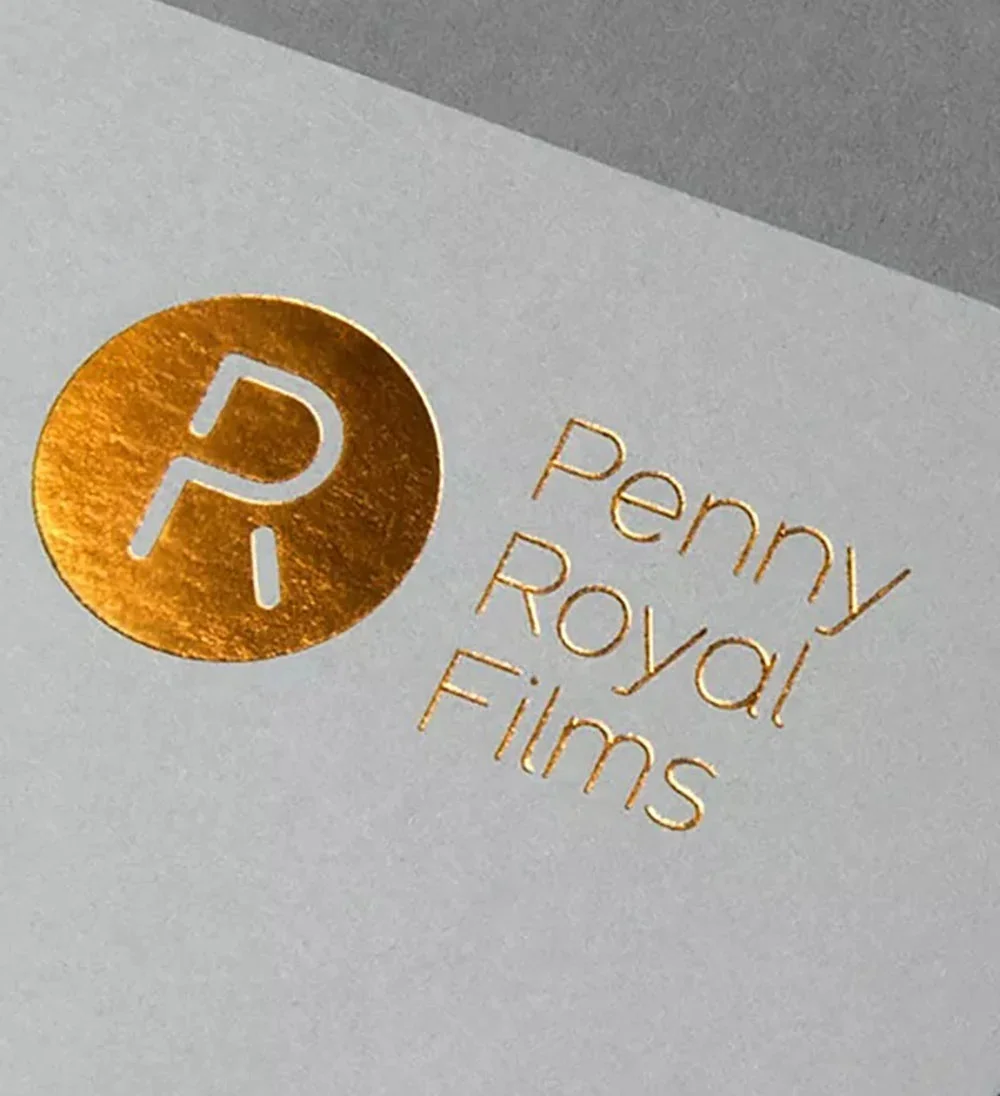
Copper Foiling
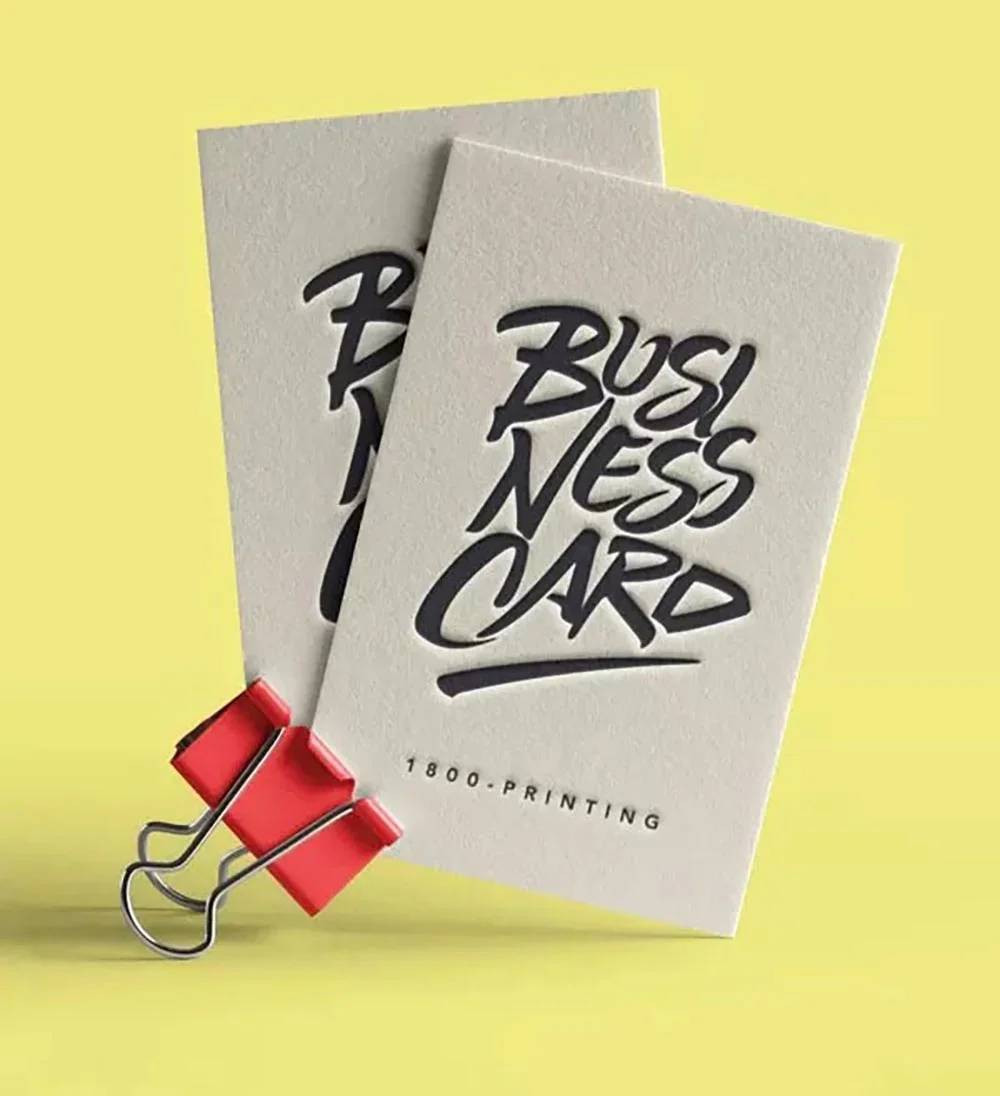
Debossing
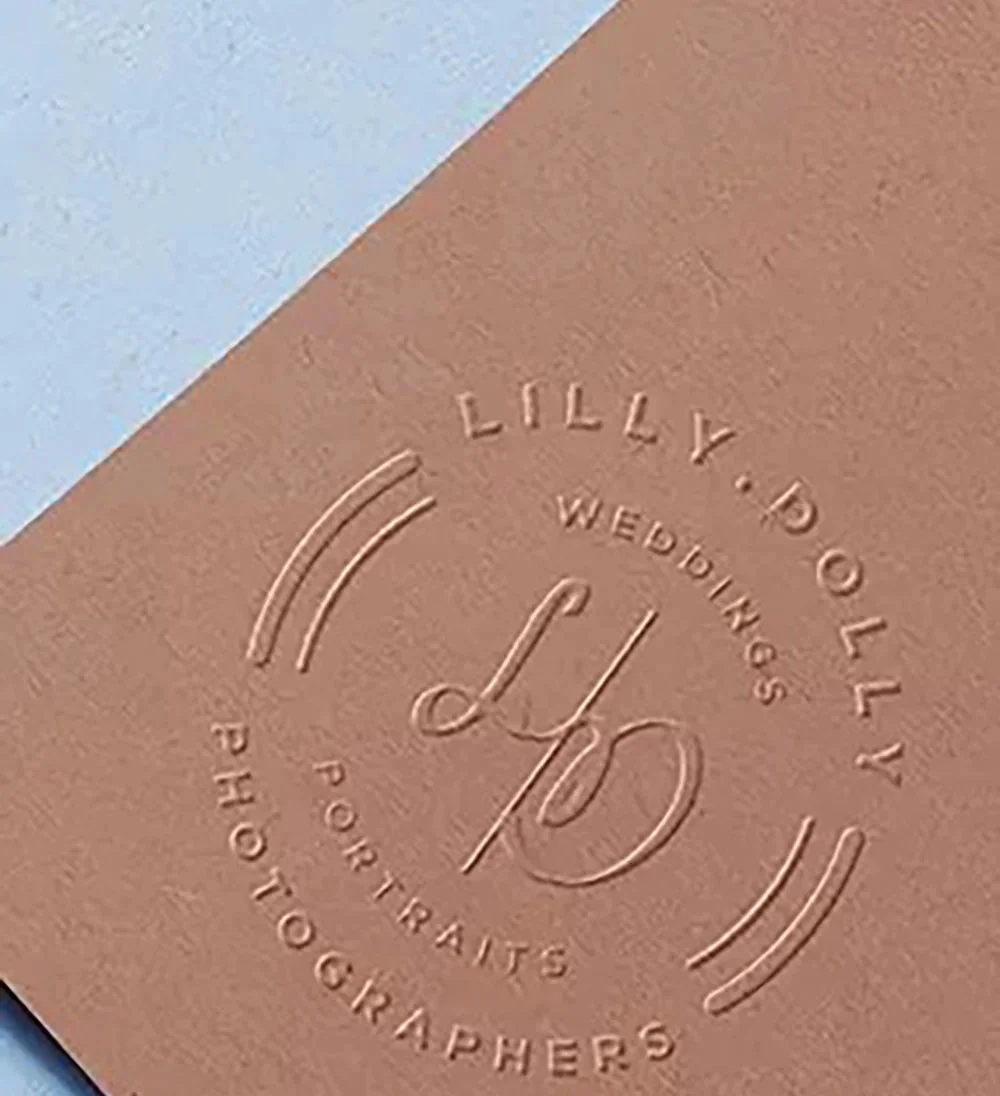
Embossing
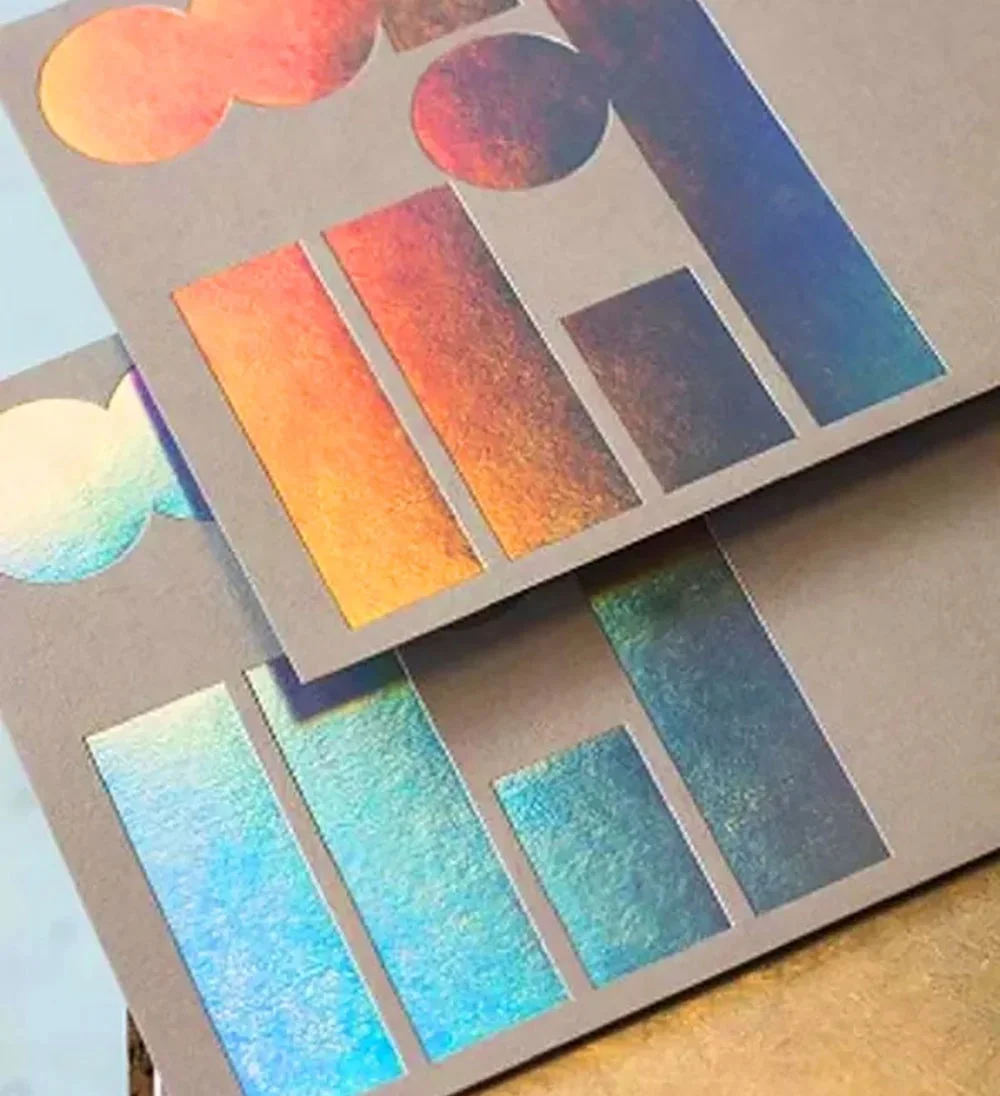
Holographics foiling
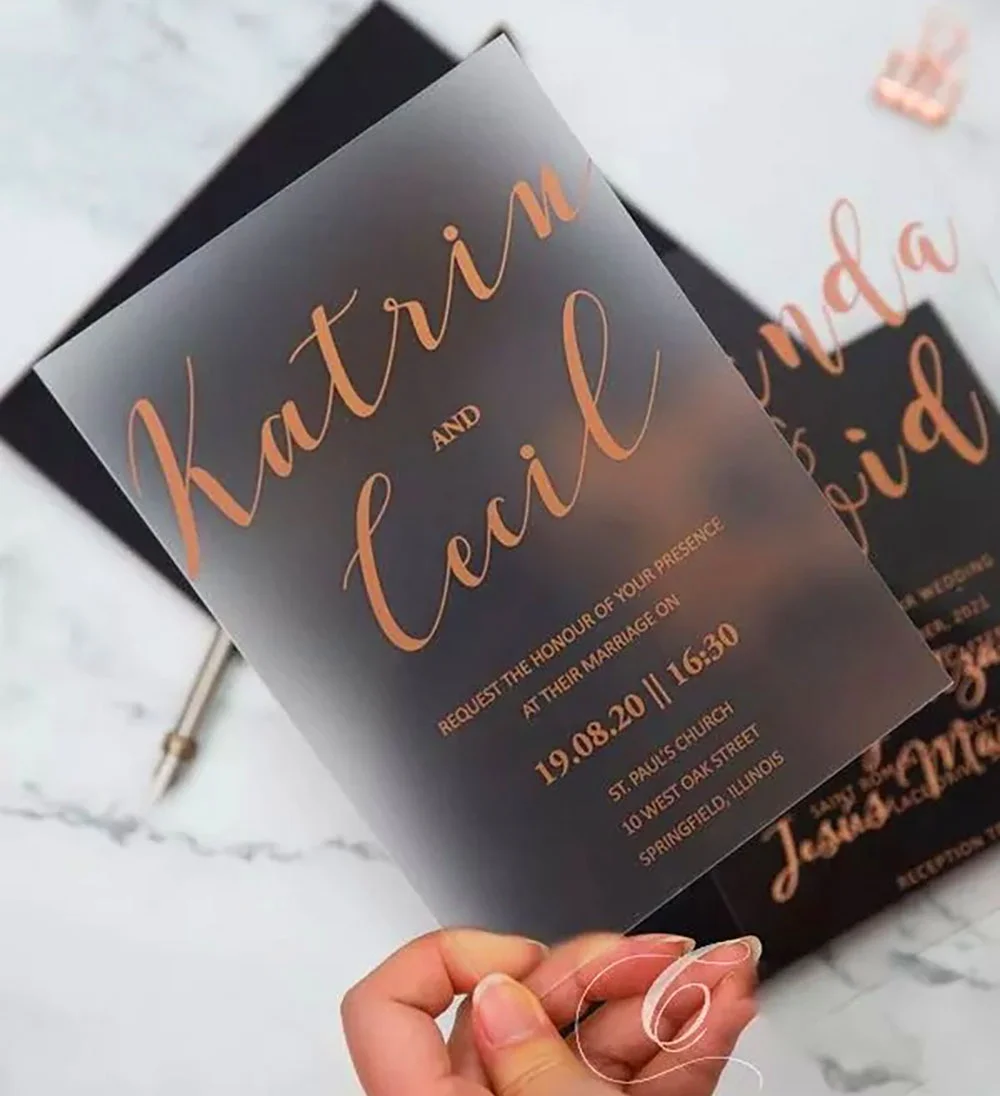
Rose Gold
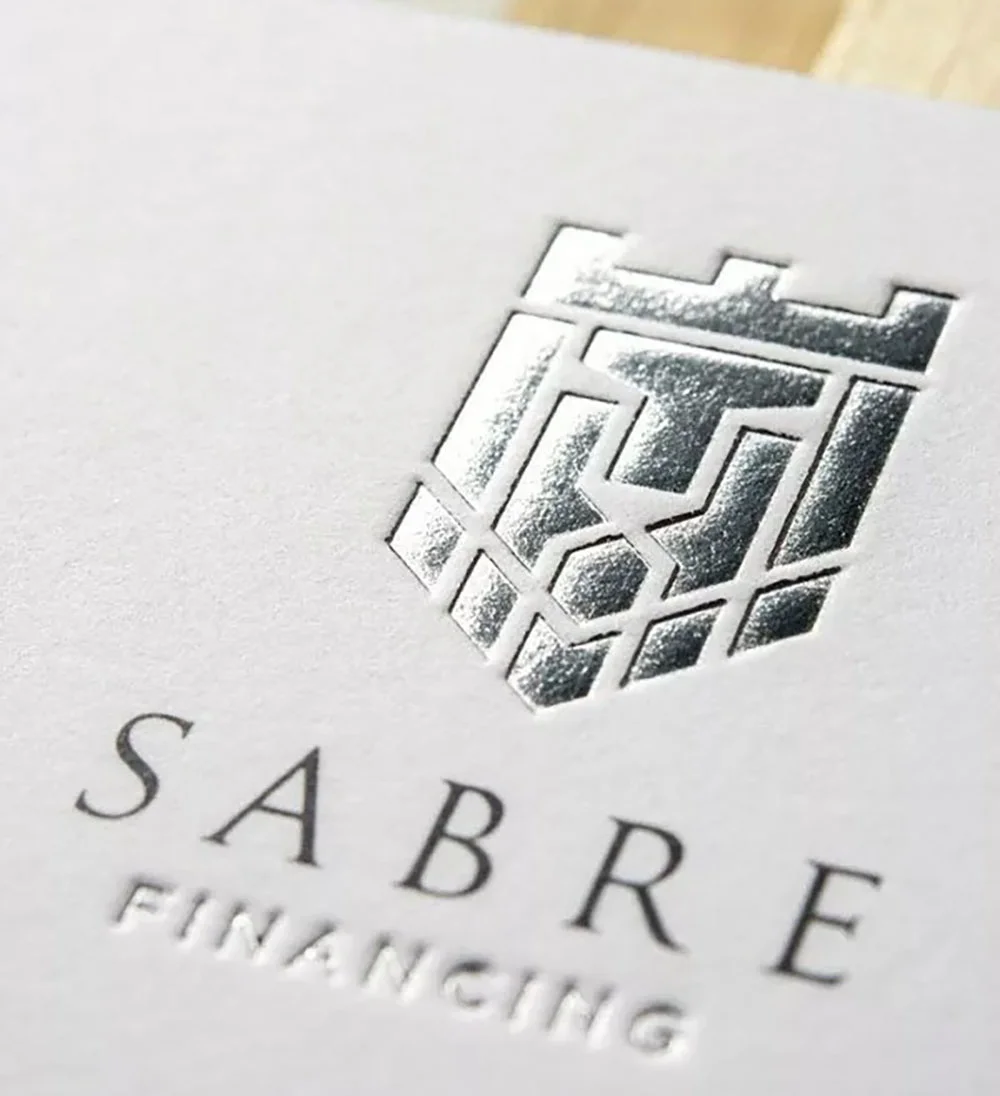
Silver Foiling

Spot UV
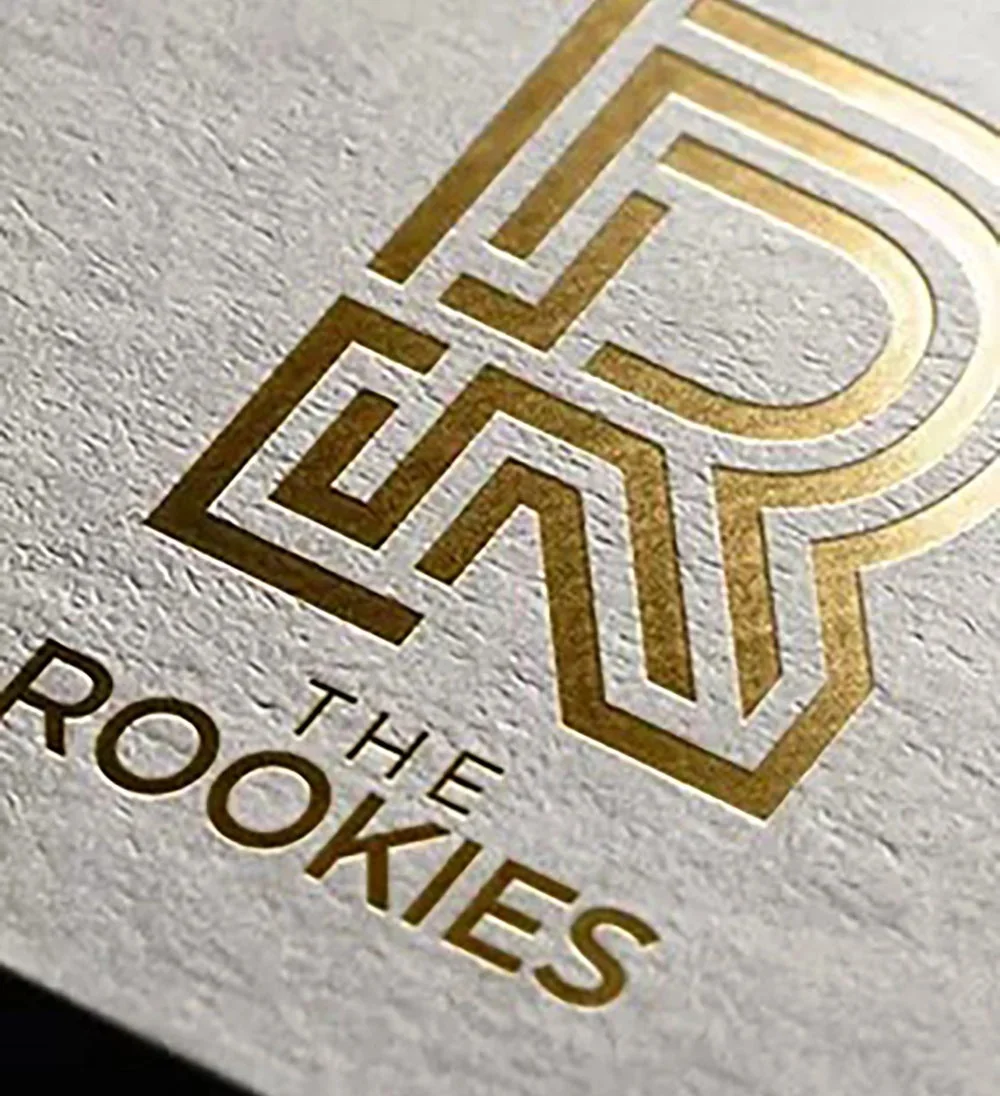
The Rookies
Card Stock Options
Haul Packaging provides a large selection of card stock types to meet various needs for packaging. You may give your box an adorning appearance and feel by selecting from a range of cardstocks with varying thicknesses, textures, and colors. The card stock selections for Haul Packaging are of excellent quality and longevity, guaranteeing that the packaging not only looks fantastic but also protects the contents within.
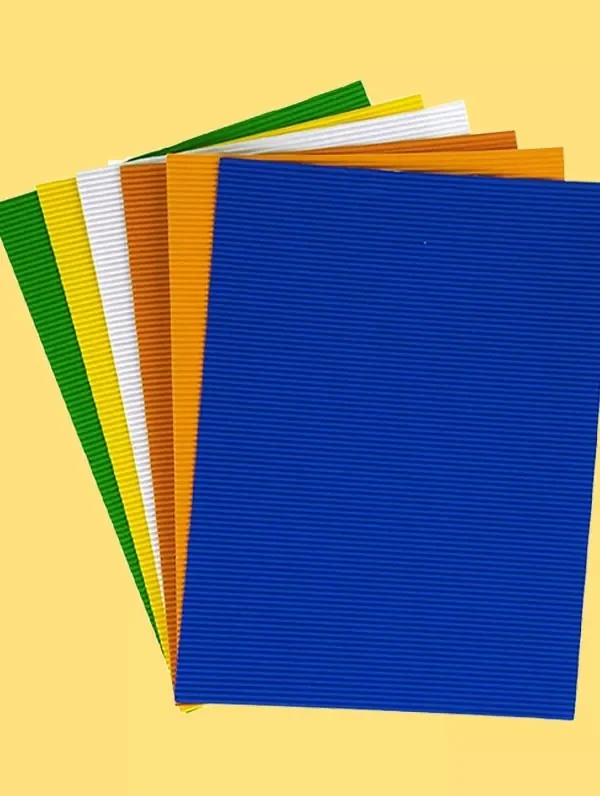
Corrugated

Glitter
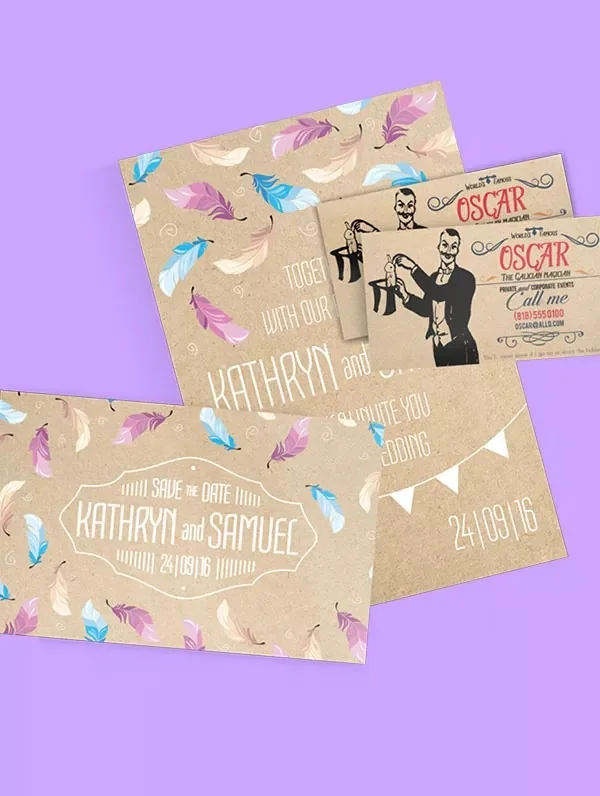
Kraft
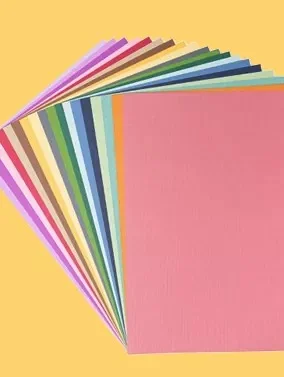
Matte
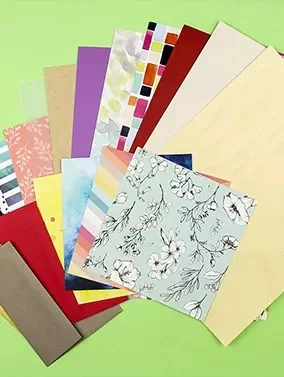
Textured
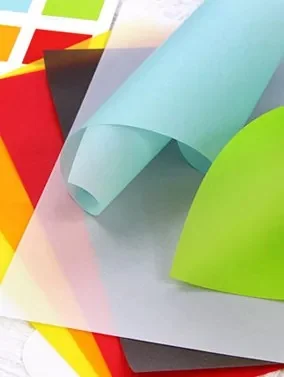
Vellum
FAQs
-
What are custom folders? Custom folders are branded document holders designed to organize and present papers, brochures, proposals, reports, and marketing materials. They can be personalized with your logo, colors, designs, and finishing options.
-
Why should businesses use custom folders? Businesses use custom folders to create a professional image, organize important documents, and improve brand presentation during meetings, presentations, and client interactions.
-
What types of custom folders can I order? You can order presentation folders, pocket folders, corporate folders, file folders, proposal folders, and custom-designed folders based on your specific requirements.
-
What materials are used for custom folders? Custom folders are commonly made from cardstock, paperboard, kraft paper, and other durable materials. The best material depends on your desired appearance, strength, and budget.
-
Can I add my logo and branding to custom folders? Yes, custom folders can include your logo, brand colors, artwork, text, and other design elements to create a consistent brand identity.
-
What printing options are available for custom folders? Custom folders can be produced with full-color printing and enhanced with finishes such as matte lamination, gloss coating, foil stamping, embossing, debossing, and Spot UV.